












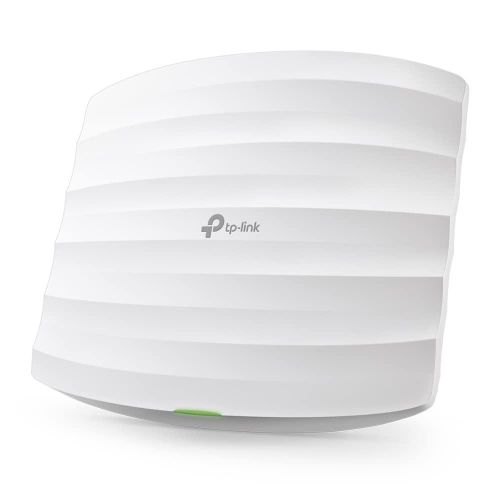
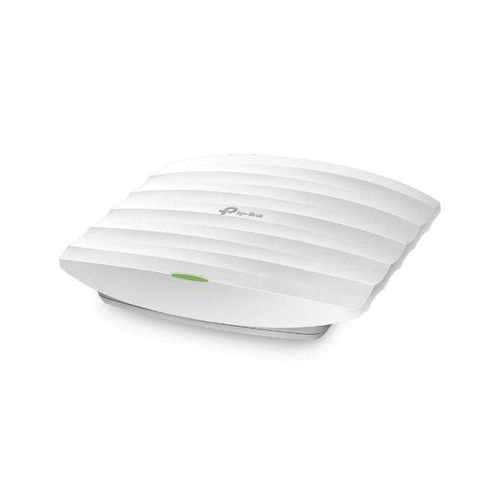
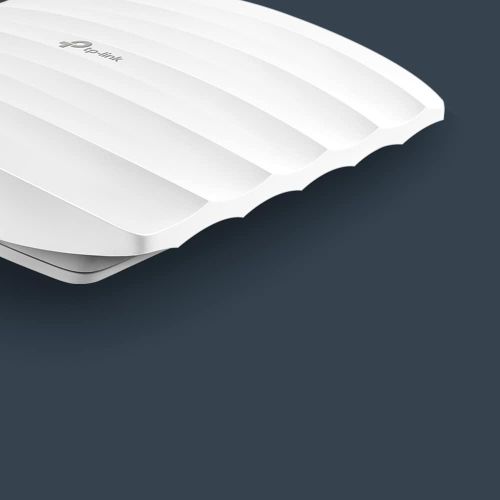
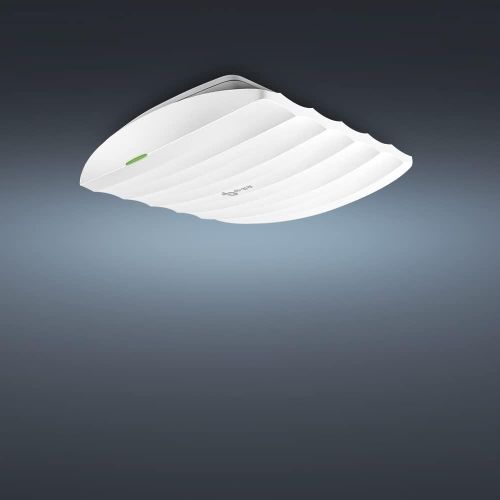
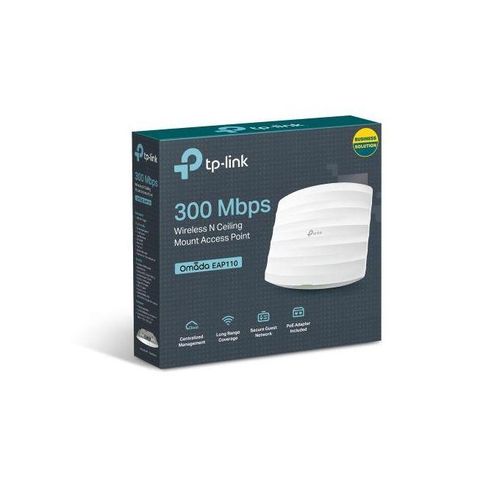
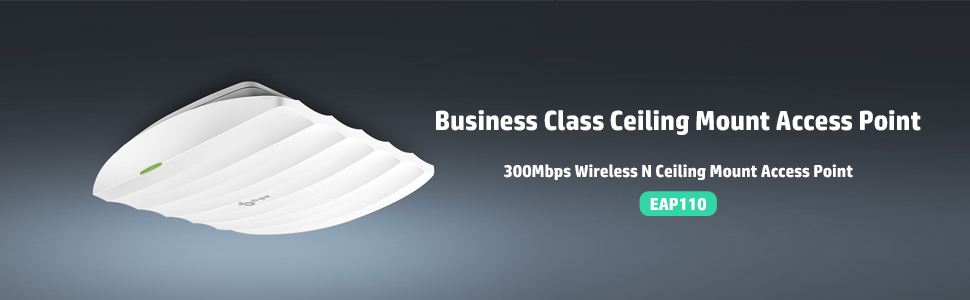















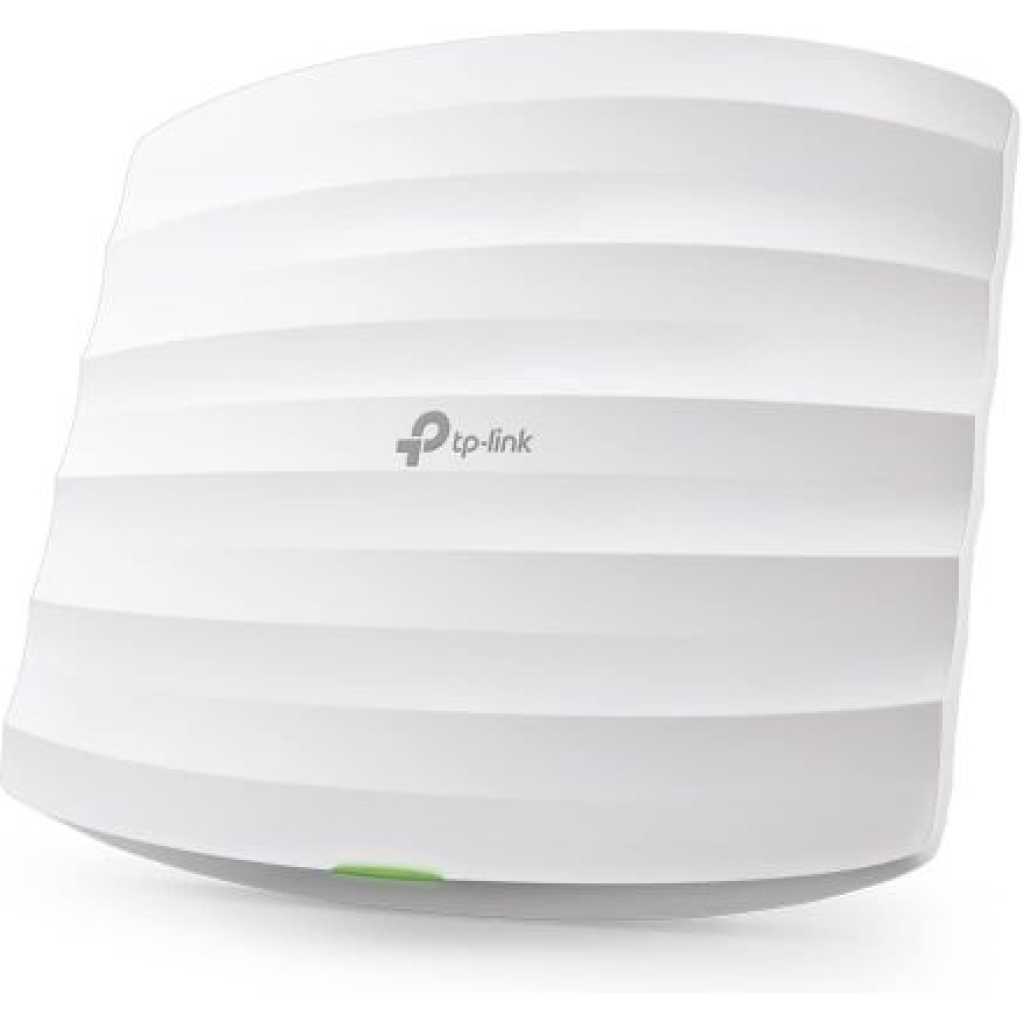
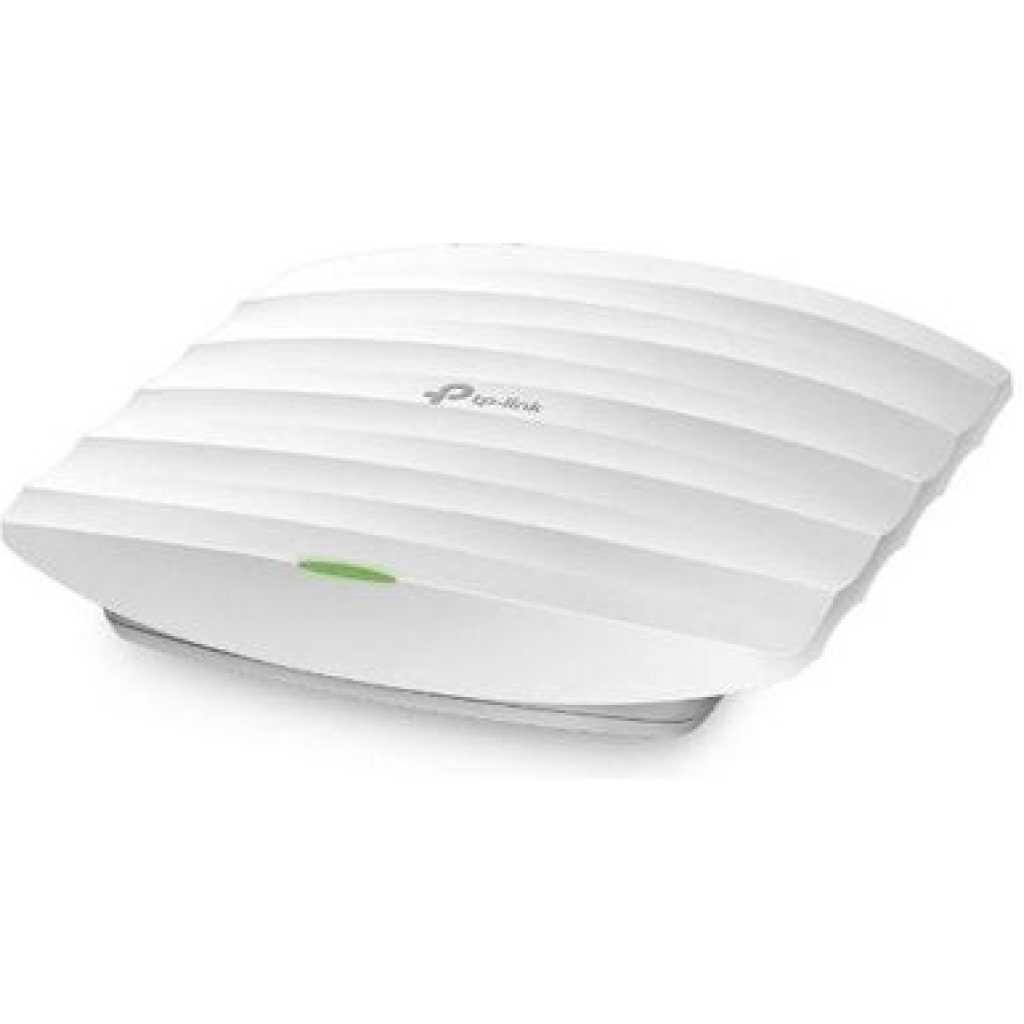
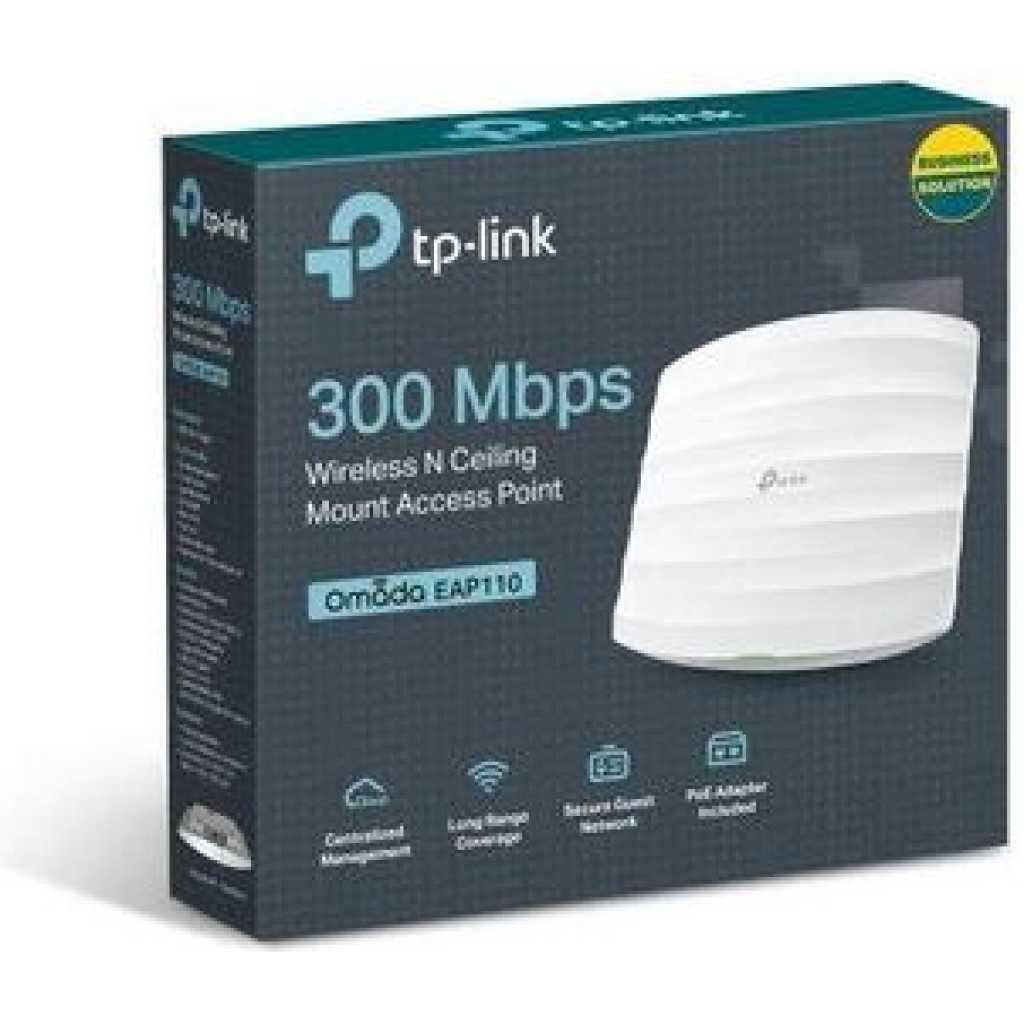



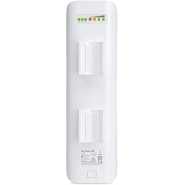
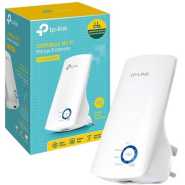


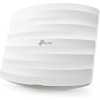
TP-Link Omada 300Mbps Wireless N Ceiling Mount Access Point Supports Passive PoE,Single_Band, Free PoE Injector, Long Range Coverage, Secure Guest Network, Centralized Management (EAP110)
People are viewing right now
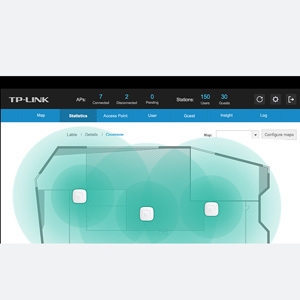
From the manufacturer Business Class Wireless Powerful Hardware EAP110 features 802.11n Wi-Fi and 2*2 MIMO technology, wireless speeds of up to 300Mbps. With Qualcomm Atheros 560MHz chipsets, EAP ensures incredible wireless coverage and reliability Free Centralized Management Platform EAP Controller Software enables users to manage hundreds of TP-LINK’s EAPs simultaneously and easily from PCs in the network, making centralized business Wi-Fi management efficient, visible and more cost-effective like never before. Efficient Guest Authentication Captive Portal Captive portal provides one convenient method of authentication for Wi-Fi guests. A captive portal requires users to perform certain actions before network access is allowed. The required action must be verified by an external portal server or customized database by the administrator, which can be simply viewing and agreeing to an acceptable use policy, or entering a user ID and password. Applicable to Multi-user Environment – Designed for Business Performance Mall Hotel Company Campus
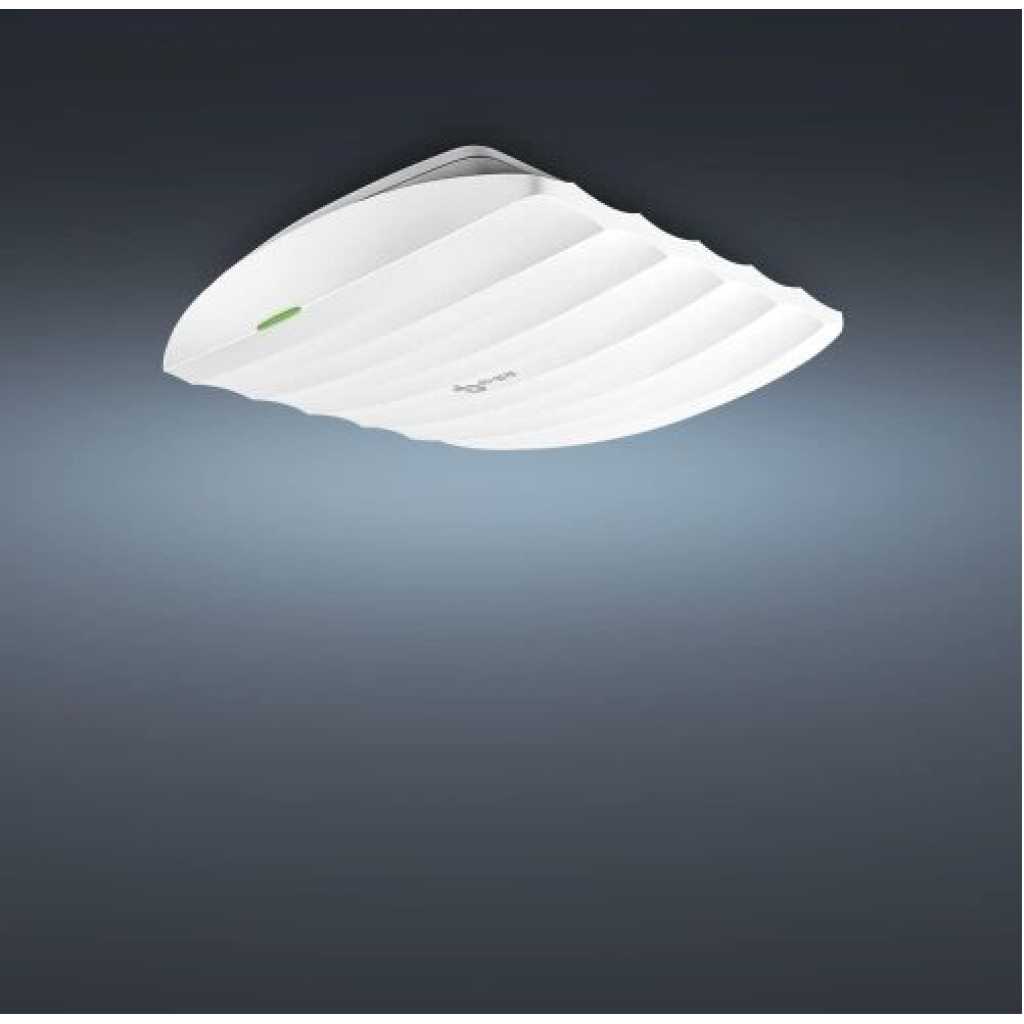
Key Features: Integrated into Omada SDN —— Centralized Cloud Management and Intelligent Monitoring. Centralized Management —— Cloud access and Omada app for ultra convenience and easy management. PoE Support —— Supports Passive PoE (PoE adapter included) for convenient deployment PoE Adapter Included — Supports passive PoE for convenient installation up to 100meters Easy Installation —— Simple mounting design for easy attachment to a wall or ceiling. Secure Guest Network —— Along with multiple authentication options (SMS/Facebook Wi-Fi/ Voucher, etc.) and abundant wireless security technologies. Load Balancing —— Limit the number of users on each access point and remove devices with weak reception to keep your Wi-Fi running at peak performance. Scheduling —— Automatically reboot the access point and turn on or off the Wi-Fi at the time you set.
Related products


Oraimo SleekLine 2-in-1 Hair Styler OPC-HS2N
Ugx 95,000
cctv camera
Ugx 550,000
cctv camera
Ugx 85,000
cctv camera
Ugx 170,000

Geepas GWC26014 Wall Clock
Ugx 81,900
cctv camera
Ugx 980,000
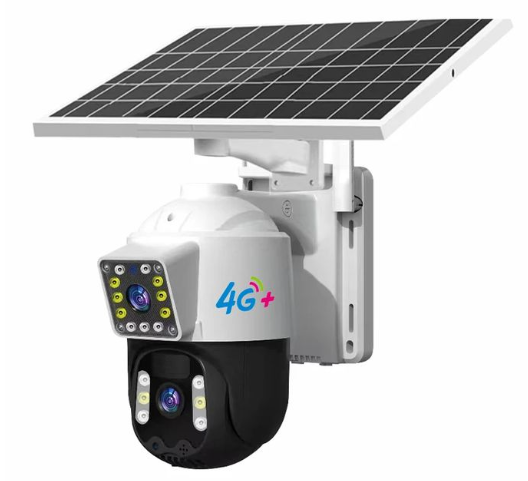
Cctv camera
Ugx 990,000
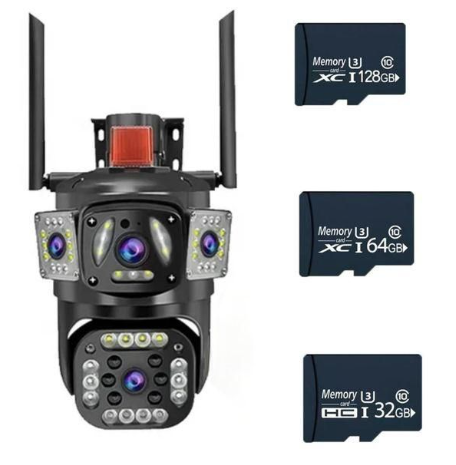
Cctv camera
Ugx 350,000
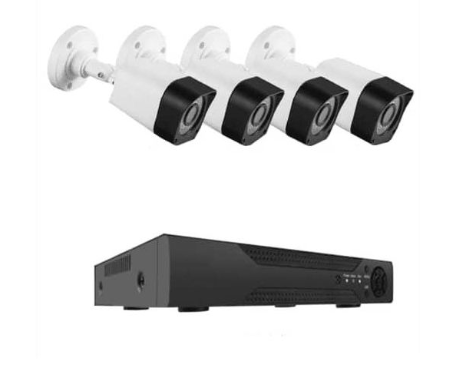
Cctv camera
Ugx 900,000
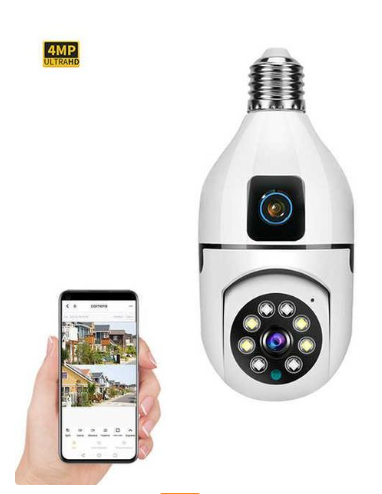
Cctv camera
Ugx 180,000
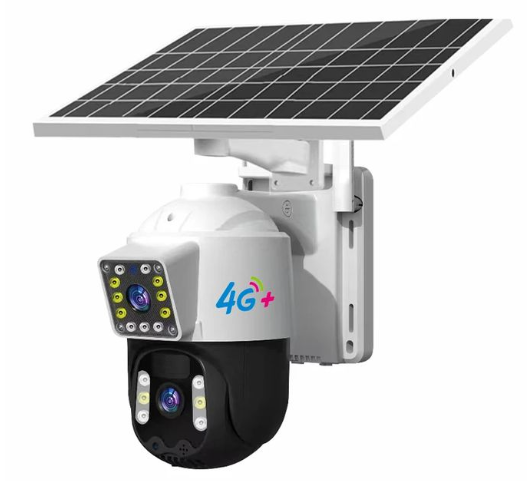
cctv camera
Ugx 830,000



Frequently Bought Together
No frequently bought products found!
Products from this Seller
View All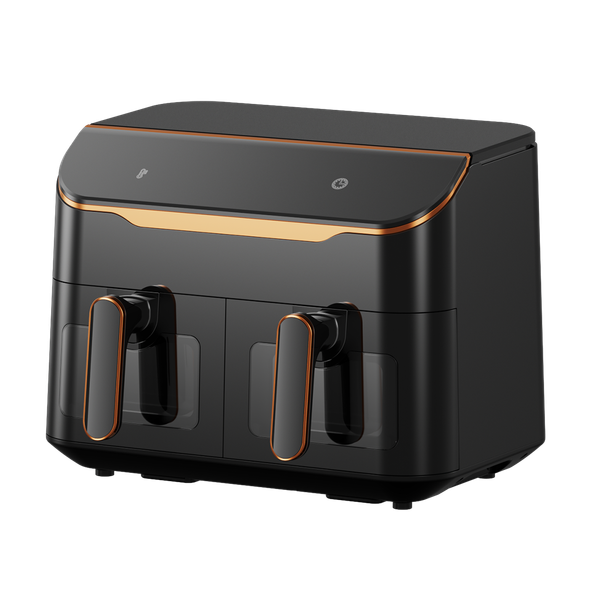
Oraimo NutriFry Duo 8L 2800W Air Fryer OH-AF510N
Ugx 340,000
Oraimo SleekLine 2-in-1 Hair Styler OPC-HS2N
Ugx 95,000
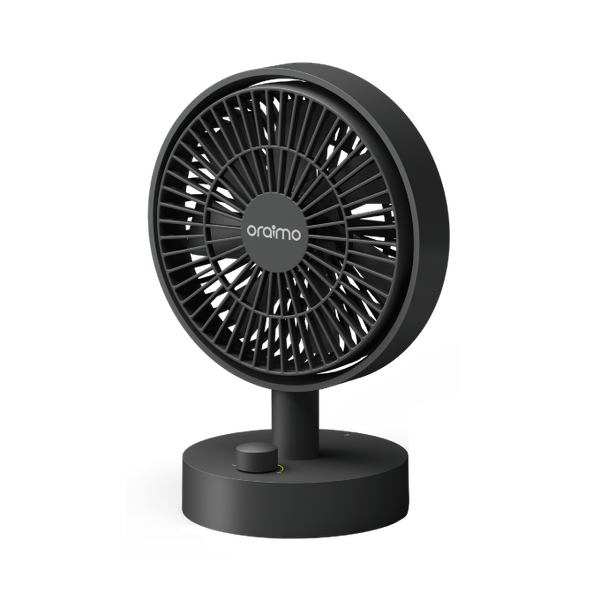
Oraimo SmartTableFan 5W Table Fan ODF-201A
Ugx 115,000
cctv camera
Ugx 550,000
cctv camera
Ugx 85,000
cctv camera
Ugx 170,000
Geepas GWC26014 Wall Clock
Ugx 81,900

cctv camera
Ugx 980,000
Cctv camera
Ugx 990,000
Cctv camera
Ugx 350,000
Cctv camera
Ugx 900,000
Cctv camera
Ugx 180,000
cctv camera
Ugx 830,000
EasyBuyUG – Your Trusted Online Shopping Platform in Uganda

EasyBuyUG – Your Trusted Online Shopping Platform in Uganda
Subscribe to our newsletter for regular updates about Offers, Coupons & more
Follow Us
Mobile Apps





Share with Friends
Trading is more effective when you share products with friends!Share you link
Share to